QR menu · No apps · No reprinting
Create your restaurant QR code menu in minutes
Guests scan the QR code on the table and see your menu instantly on their phone, no app to install. Change a dish or a price and the QR code stays the same.
14-day Pro trial · No card · Ready in minutes
How it works
Your QR menu in three steps
Upload your menu
Take a photo or upload your menu PDF and AI extracts dishes, prices and sections. You can also build it by hand.
Download your QR code
Download the QR code from your dashboard as an image (PNG), ready to print. It links straight to your menu.
Place it around your venue
Tables, bar, window or terrace. Guests scan it with their phone camera and see your menu.
Where to put it
One QR code for your whole venue
Print it once and use it wherever your guests will see it.
On every table
On a stand, a sticker or printed on the placemat.
At the bar
For guests ordering at the counter or waiting for a table.
In the window
Passers-by see your menu before they walk in.
On the terrace
No paper menus getting wet or blown away.
On social and Google Maps
The same link works for Instagram, WhatsApp or your Google listing.
On receipts and flyers
For takeaway orders or to bring guests back to book.
More than a PDF behind a QR
A real menu, not a photo of one
No apps
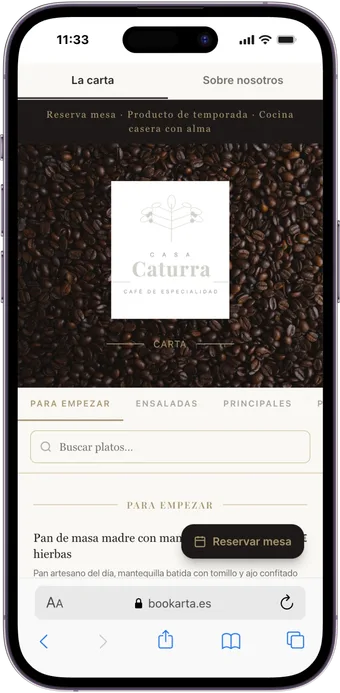
Opens in the phone browser when scanned. Works on iPhone and Android.
Changes without reprinting
Edit dishes, prices or the daily menu from your dashboard. The printed QR keeps working.
Professional design
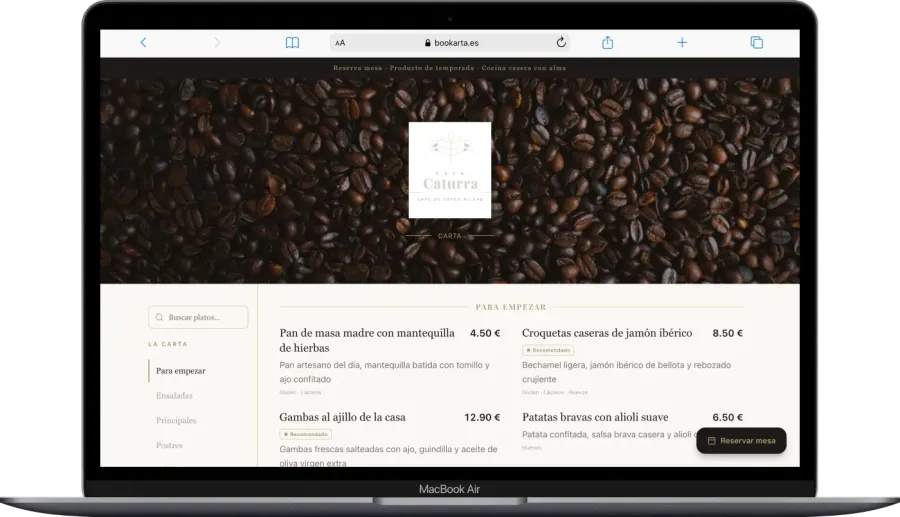
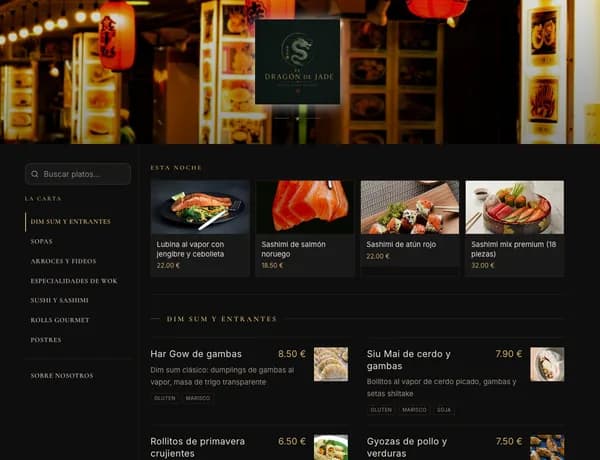
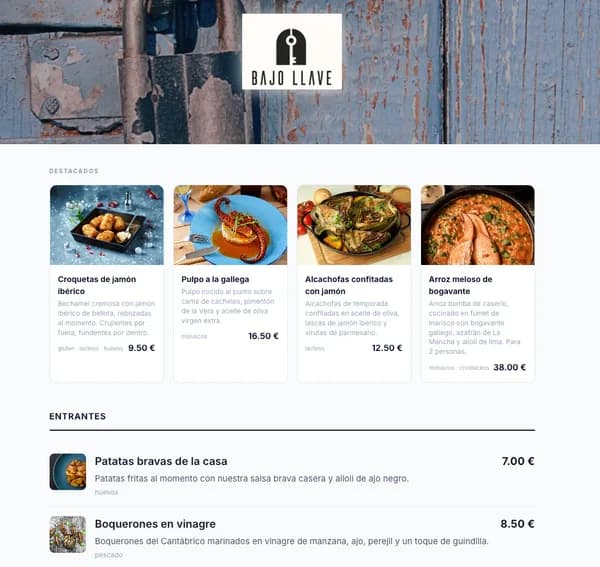
10 templates built to read well on mobile, with photos and featured dishes.
Allergens
Tag allergens and labels (vegan, gluten-free, spicy) on each dish.
Multiple languages
AI auto-translation for international guests (depending on your plan).
Bookings from the menu
Guests can book a table from the same menu they open with the QR.
Examples
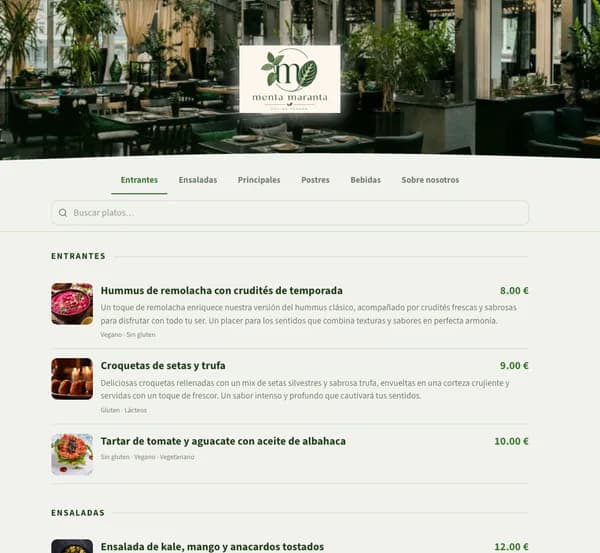
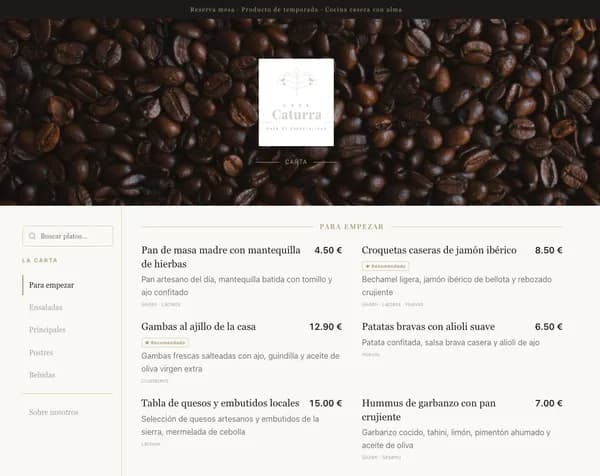
What a Bookarta QR menu looks like
Real menus built with our platform. Tap to open them as a guest would after scanning the QR.
Clear pricing
QR menu from €18/month
Try the full Pro plan free for 14 days when you sign up, no card. Then choose your plan from your dashboard.
See plans and comparison →QR menu questions
What is a QR code menu?+
It is your restaurant menu in digital form, which guests open by scanning a QR code with their phone camera. It opens in the browser, with no app to download.
Do I need to reprint the QR code if I change the menu?+
No. The QR code points to your menu on Bookarta, so you can change dishes, prices or photos whenever you like and the same printed QR will always show the latest version.
Do my guests need to install an app?+
No. The phone camera is enough: scanning the QR opens your menu in the browser, on both iPhone and Android.
How do I get the QR code?+
Once your menu is published, you download it from your dashboard as an image (PNG), ready to print on tables, signs or stickers.
Is it better than a PDF behind a QR code?+
Yes. A PDF is tiny on a phone, heavy to load and has to be re-uploaded with every change. With Bookarta the menu fits the screen, includes allergens and languages, and updates instantly.
How much does it cost?+
You can try it free for 14 days with no card. After that, the QR menu with bookings starts at €18/month, no lock-in.
Put your QR menu on the tables this week
Upload your menu, download the QR and start using it today. 14-day Pro trial free.
Create my QR menu freeNo card · No lock-in